GoBituary Rekindled

UX/UI

Research

Challenge

This project sought to spark personal reflection and a deeper sense of civic connectedness by presenting history not as a fixed record but as a participatory and evolving dialogue.

Solution

GoBituary Rekindled is a hybrid digital-physical history project that invites university community members to engage with the legacy of individuals who shaped the early development of UC Berkeley. By learning about the lives of those who made a mark on their communities (for better or for worse), users are encouraged to consider their own stories and how they, too, might shape the future of their institutions and neighborhoods.

Process

Motivations

This project is an extension of the original GoBituary website, and similarly seeks to enhance understanding of local history. The general public seems fairly unaware that many historic cemeteries offer tours that are very informative and worthwhile. Cemeteries provide insight and context as to how the surrounding community became what it is, and also remind us that our actions can have lasting effects for generations to come.

But asking people to visit a cemetery for fun requires some convincing. We saw this as an opportunity for exploration.

Goal


Bring the benefits of visting a
cemetery to communal spaces

Research

Exploratory Research

We conducted preliminary research on cemeteries, memorial sites, and other designated places for remembrance. Our preliminary research inspired us to build a tangible user interface (TUI) as it enables a physically interactive experience.

Our exploratory research aimed to answer the following research questions:

  • RQ1: How do memorials promote engagement with local history?
  • RQ2: What historical content promotes a feeling of connection between the individual and their community?
  • RQ2.1: What historical content do people find intriguing and/or memorable?

Interviews

To understand what historical content to display with TUI and how , we conducted five semi-structured interviews.

Our interview participants were individuals who had visited memorials, historical museums, or cemeteries for a purpose other than for funeral service or mourning. Three of the five interview participants had been on a history tour of a cemetery.

Key Findings

  • Memorials create a space where people can engage with local history at a location that is relevant to the local history being learned
  • People are perceptive of curation of experiences involving historical content
  • Two-way interactions help people feel more connected
  • Historical content that allowed people to easily visualize the past is engaging
  • Subverted expectations (such as rare or unexpected information) made experiences experiences more memorable but did not foster deeper connections with their community
  • A feeling of connection is inspired when learning about how historical figures and events have a direct impact on personal life

More detailed information about this project's research and methodology can be found in the report (PDF) available on the project website.

User Testing

Our research questions were largely answered by rapid prototyping. We iterated over the design of the monument, inside and outside, to test our assumptions about how its physical attributes would instruct the user on how it should be used. We set the prototype in an area with high foot traffic for our intended audience, observed, altered our monument, and then put it back for the next round of traffic. This process was repeated several times over about a week.

Observations

The key assumptions we tested about each design were the following:

  1. The user will lean into the porthole when they’re interested/when something catches their eye.
  2. The user select a few different people, view them shortly, and then scan a QR code.
  3. The user will be able to give brief information about the person selected.

Test 1

  • Put hand in viewing hole
  • Expressed joy when collages noticed
  • Verbalized confusion about QR code

Test 2

  • Looked at bottom of controller
  • Looked at a couple collages and then scanned the QR code
  • “I’m blown away…this is beautiful”
  • Verbalized recognition of names
  • Verbalized confusion about sequence

Test 3

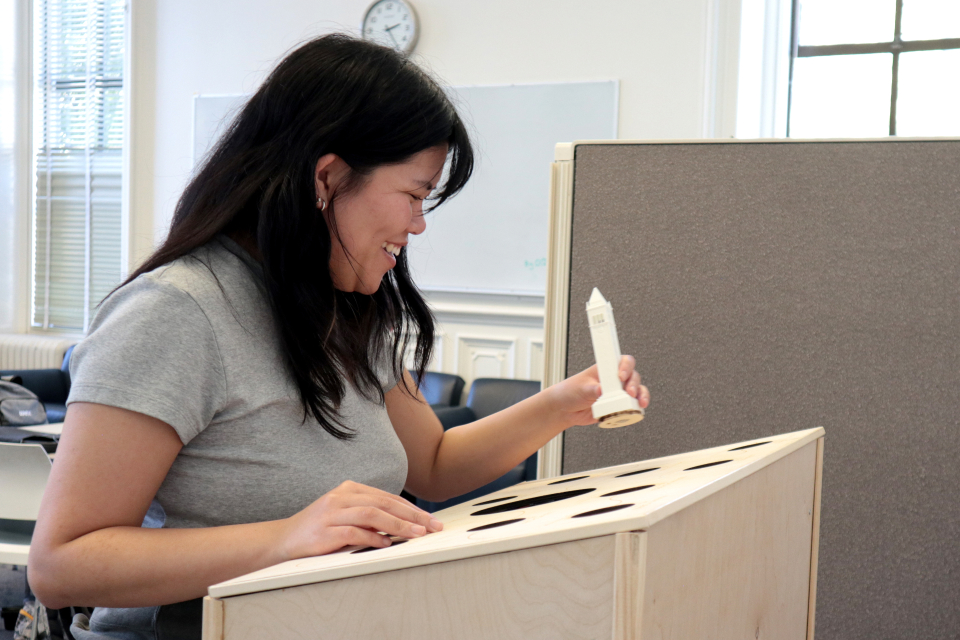
  • Originally put his fingers on the hole but quickly realized its the Campanile
  • Observed names in sequential order
  • Left briefly, just passed by

Iterations

Because the monument is made up of several different points of interaction, some parts were tested independently. For example, the depth of the monitor were tested independently from the arrangement of names on the sensor panel. This was especially helpful for addressing our assumptions

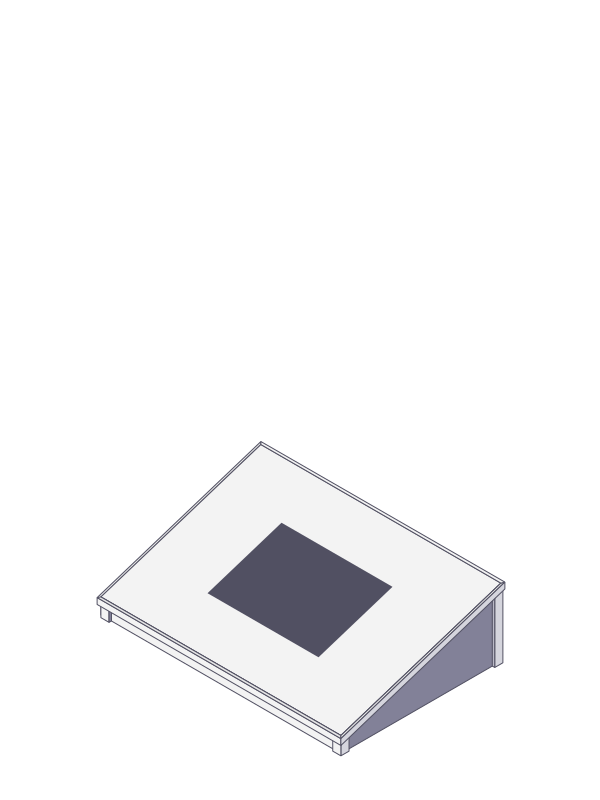
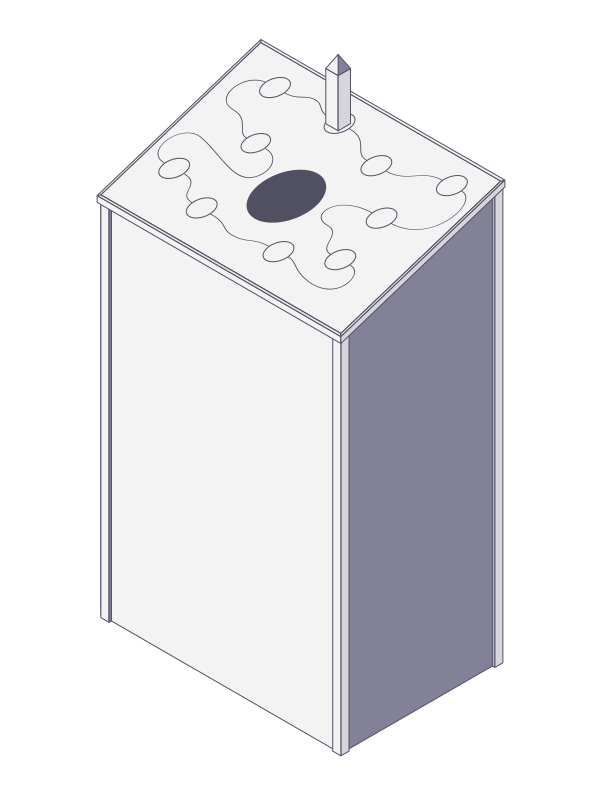
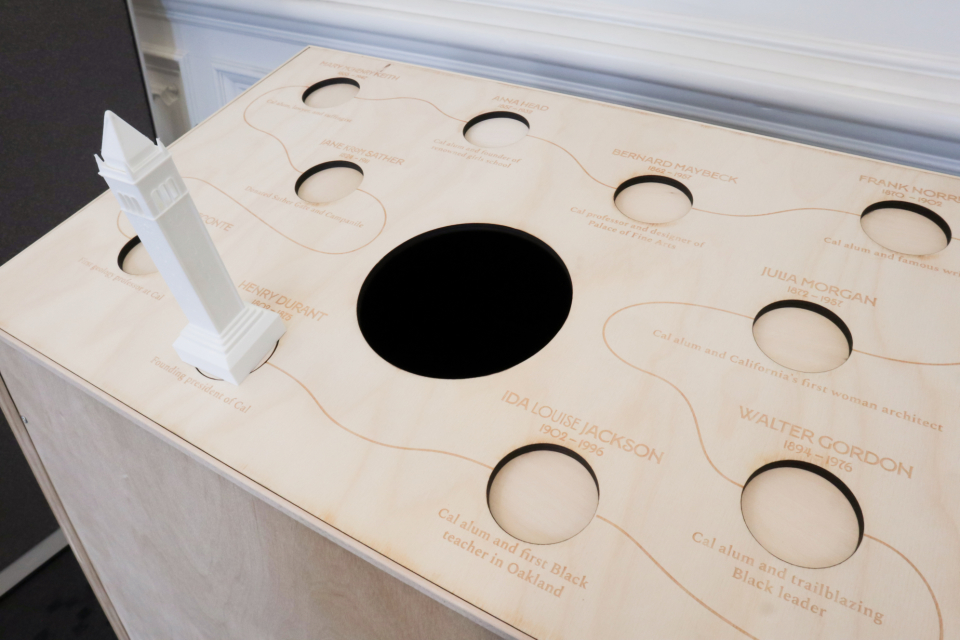
One interesting discovery was that the sensor panel (and viewing hole) needed to be set at an angle, otherwise purpose of the hole (for an arm? for an item?) was too ambiguous. We also discovered that, in order to reduce cognitive overload, it was necessary to include a visual cue that the historical figures were thematically connected and offer a suggested viewing order.

We addressed these issues, and the results of our research questions, in our final design. Our intended interaction sequence was able to completed by our target audience without prompts or instruction.
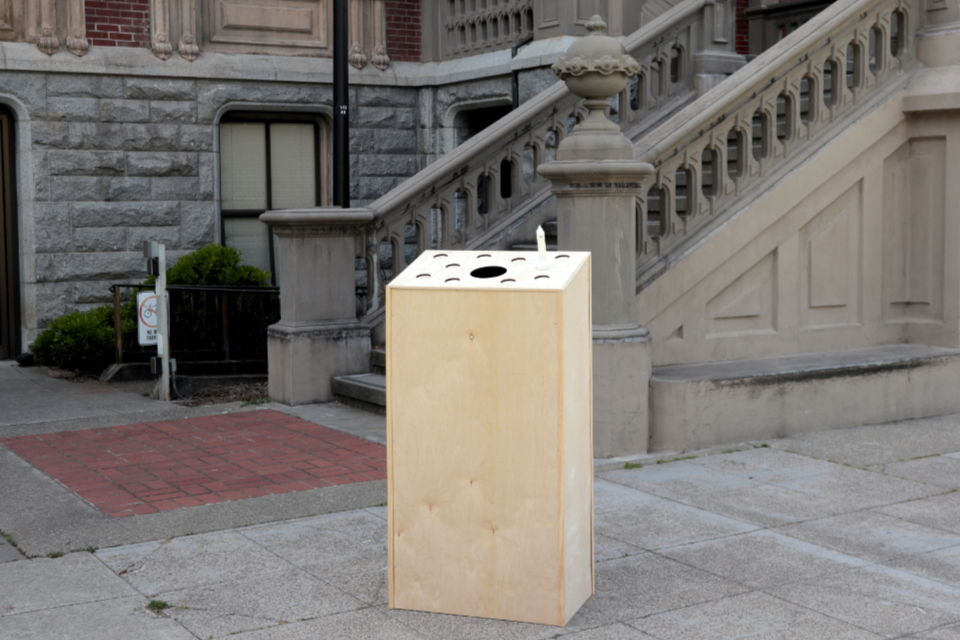
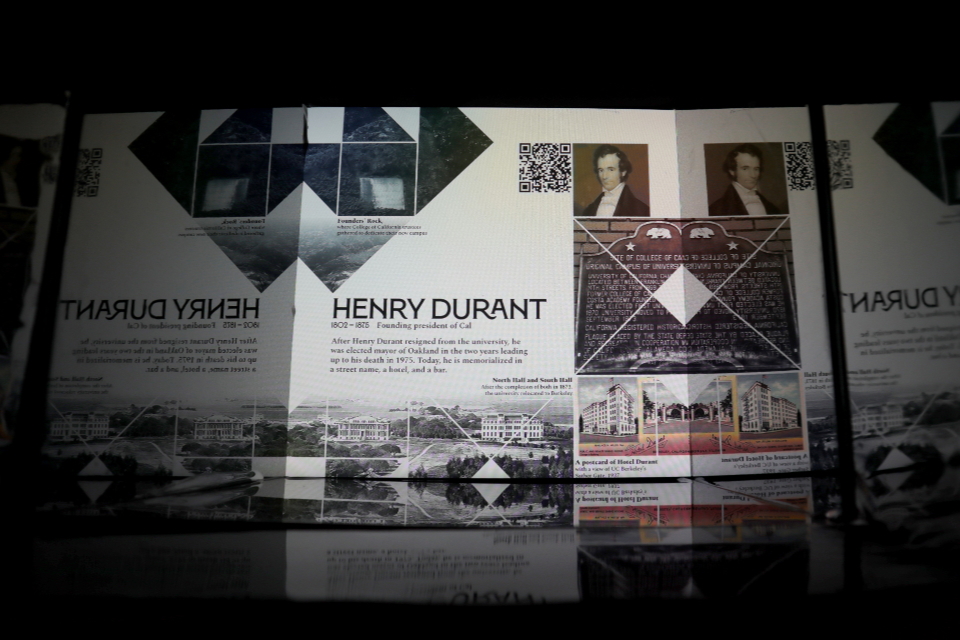
cardboard prototype work-in-progress interior of the monument an early version of the collage design as it was to be displayed
Design IterationsWe tested the structure of the monument using cardboard prototypes, and quickly swapped images on the monitor to test and adjust the design (and visibility) of the collages while constructing the final design.

How it Works

The monument is portable. It can be set somewhere with heavy foot traffic, or tucked away in the corner for the opportunity for quiet reflection. Its shape and dimensions were designed such that it can attract attention without interupting the environment that it's set in.

A user can approach the monument, and read the names on the panel. The controller invites interaction, and moving it from one name to another will trigger the monitor set inside of the monument to change to a corresponding collage.

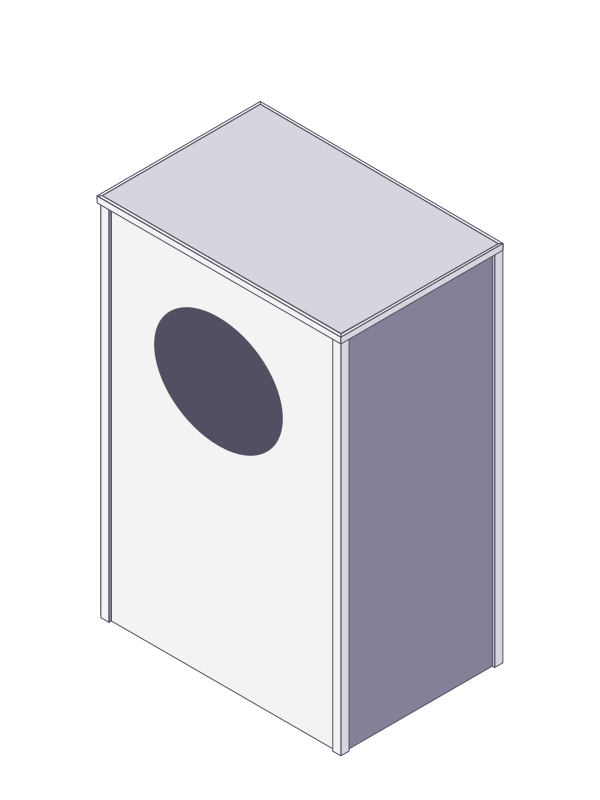
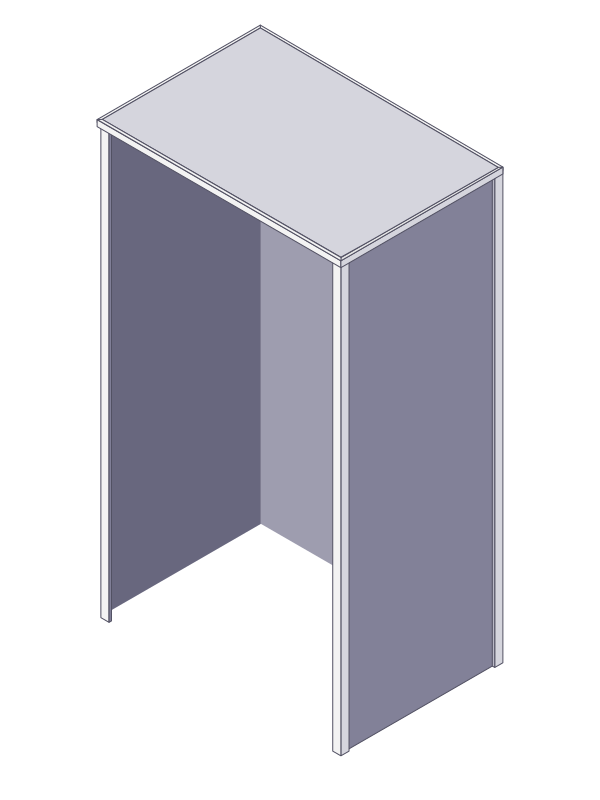
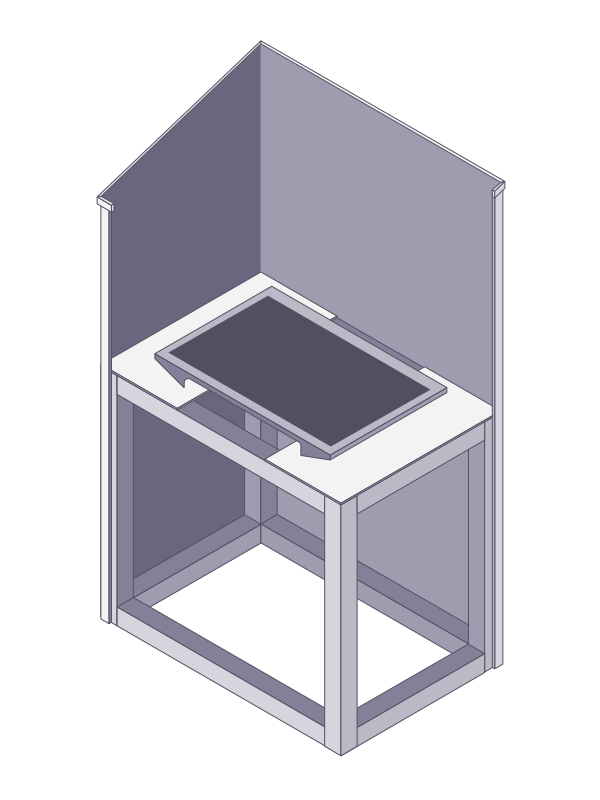
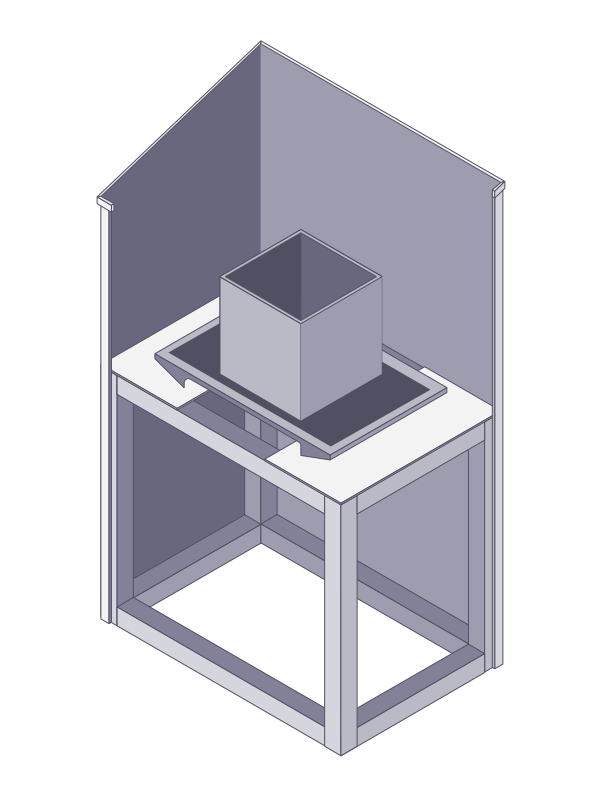
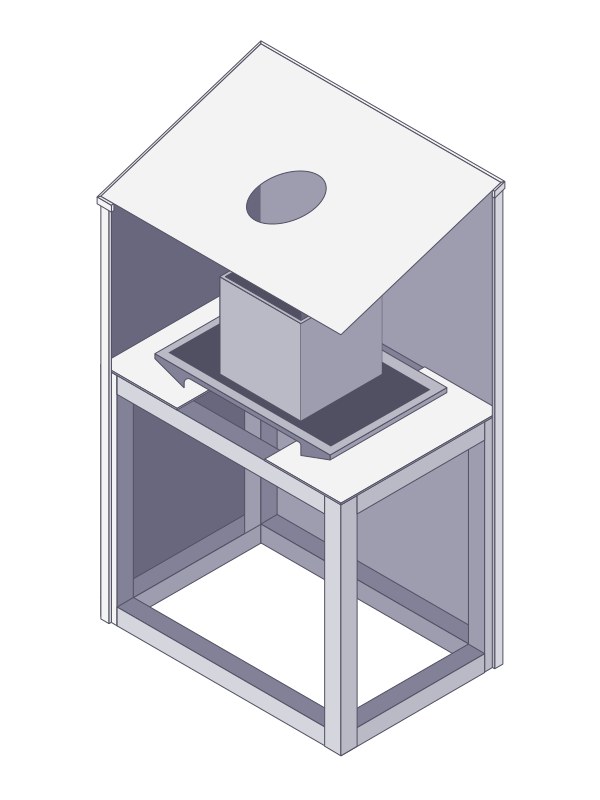
Because the monitor is set low in the monument, the user has to make an effort to peer inside. The collages are enhanced by the surrounding mirrors, which creates a greater sense of depth. It's also a literal representation of one of the project's core themes of reflection.

After looking through each collage, the user might notice each has a corresponding QR code. They can scan it to be directed to a lightweight website (to accomodate for spotty Wi-fi), which features curated and points of interest. These aren't full biographies, of course. The selections are inspired by the experience of cemetery tours and are meant to highlight specific points of relation, either personal or in the greater impact the historical figure had on their community.

an illustrated diagram of the monument
Interior and Exterior DiagramThe sensor panel on top ues ten Hall effect sensors and an Arduino Nano. After being triggered by a magnet in the controller, the data is sent to a Raspberry Pi, which displays the figure’s collage on the monitor.